Files change constantly. Configs get tweaked, scripts get patched, permissions get adjusted, all day, every day, mostly by people who are supposed to be doing it. The problem is, an attacker making the exact same kind of change looks identical to your systems... unless something's actually watching.
What is File Integrity Monitoring?
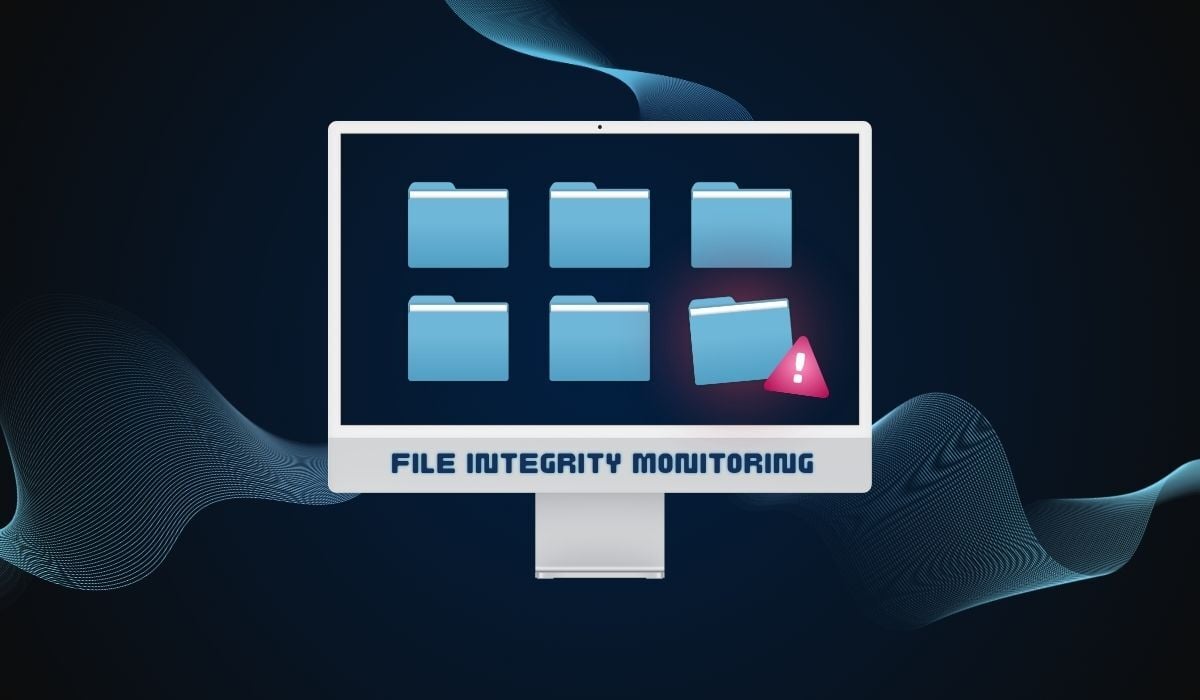
File Integrity Monitoring (FIM) is a security control that detects unauthorized or unexpected changes to critical files, configurations, and system settings by comparing their current state to a known, trusted baseline. Once something drifts, like altered permissions or an unexpected edit, FIM flags it so a human (or automated workflow) can decide whether it's routine or a red flag.
That's pretty much the whole concept. The complicated part is how well a given tool tells the difference between a routine patch from IT and someone quietly rewriting your authentication logic. That's where most FIM tools prove their worth or turn into expensive background noise, but we'll get into that later.
Related Read: How Does File Integrity Monitoring Work?
Why FIM Matters
FIM is a key part of any security stack for two reasons:
- Security. Unauthorized file changes are one of the earliest signs of a breach, privilege escalation, or an attacker setting up shop for later. They're also one of the few indicators that hold up even when logs get wiped, since FIM compares against a stored baseline rather than trusting the logs to tell the truth about themselves.
- Compliance. FIM is required or strongly implied by regulatory requirements like PCI DSS, HIPAA, SOX, NERC CIP, FISMA/NIST 800-53, and GDPR. PCI DSS is the most explicit, naming it as a direct requirement.
FIM vs Other Monitoring Tools
If you're trying to figure out whether you need FIM, FAM, a SIEM, or antivirus, in reality, you probably need more than one. Here's how they differ:
- FIM vs File Activity Monitoring (FAM): FIM catches that something changed. FAM captures the behavior around it: who touched the file, when, and what they did, even if nothing changed at all. Different jobs, same team.
- FIM vs Security Information and Event Management (SIEM): A SIEM collects and correlates security data from everywhere, like firewalls, servers, apps, endpoints, and all of that. FIM isn't a competitor to that; it's actually one of the better sources feeding it.
- FIM vs Antivirus/EDR: Endpoint tools look for known, bad behavior. FIM doesn't care whether a change looks "malicious" by signature; FIM cares whether it's authorized. That's how it catches things antivirus never sees.
Not All FIM Is Built the Same
Legacy scan-based FIM is often described as noisy and has a tendency to treat a routine patch the same as an active intrusion. This, in turn, trains teams to tune out the alerts entirely. Modern FIM takes it a step further by including context, automated reconciliation, and rollback rather than leaving detection as the whole job.
If you want to dig into that some more, The Comprehensive Guide to File Integrity Monitoring gets into the history of FIM and what the evolution of modern FIM looks like in practice.
How to Evaluate a FIM Tool
Before signing anything, ask a vendor about:
- Compatibility with your existing security stack and policies.
- Noise control: what, concretely, separates real threats from routine changes?
- Remediation: does it just alert, or can it reconcile and roll back unauthorized changes?
- Integration with your SIEM and existing workflows.
Related Read: Key Features to Look for in File Integrity Monitoring Software
Who Actually Needs File Integrity Monitoring?
Pretty much anyone handling regulated or sensitive data needs file integrity monitoring in their stack. This can be applied to organizations processing payment card data (PCI DSS), healthcare organizations (HIPAA), publicly traded companies (SOX), energy and utility providers (NERC CIP), federal agencies and contractors (FISMA), and anyone handling EU personal data (GDPR).
Related Read: 7 Regulations Requiring File Integrity Monitoring for Compliance
Don’t Overthink It
File integrity monitoring itself isn’t fancy, but it is one of the few things that quietly does its job right up to the moment it saves you from having a very bad week. The difference between FIM that helps and FIM that just adds noise really just comes down to one thing: whether the tool can tell an expected change from a problem.
.png?width=80&height=80&name=Lauren%20Yacono%20-%20Circle%20Greyscale%20(1).png)
.png?width=120&height=120&name=Lauren%20Yacono%20-%20Circle%20Greyscale%20(1).png)