.png?width=120&height=120&name=Lauren%20Yacono%20-%20Circle%20Greyscale%20(1).png)
If you have a limited budget, limited resources, or both, maintaining compliance is no easy task. Compliance and IT professionals are feeling the pressure of resource shortages, personal liability, and regulatory changes.
The costs and effort required to maintain full compliance aren’t decreasing any time soon, which means tools that simplify your efforts are definitely a necessity. Real-time file integrity monitoring is a powerful security and compliance tool that keeps watch over your files, system settings, and configurations, and alerts you when something changes unexpectedly. That unexpected change could be an attacker altering a system file, an employee accidentally misconfiguring a server, or a log file being tampered with to cover something up. FIM doesn’t stop the change from happening, but it makes sure someone finds out about it quickly, rather than months later during an audit.
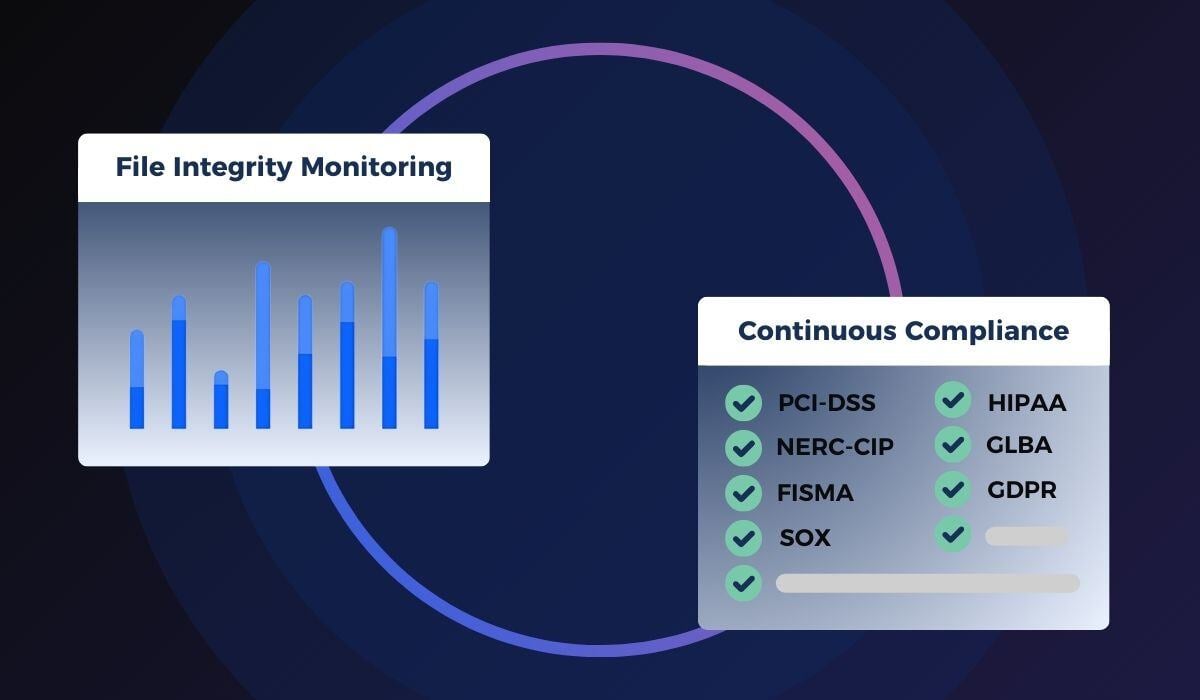
In this post, we provide insight into how file integrity monitoring software aligns with seven common regulatory requirements and how it can help alleviate fatigue and strained budgets.
Quick Answer: Does My Industry Require File Integrity Monitoring?
If your organization handles payment card data, works with the power grid, handles federal data, reports to public shareholders, manages health records, works in financial services, or processes personal data belonging to EU residents, some form of file or configuration monitoring is either explicitly required or very difficult to avoid. Here’s where each one shows up.
1. PCI DSS - Payment Card Industry Data Security Standard
Who this applies to: Any organization that stores, processes, or transmits credit or debit card data. This includes merchants, banks, point-of-sale vendors, and the developers who build the systems they use.
PCI DSS has been around since 2004 and is maintained by the PCI Security Standards Council. Depending on how much card data your organization handles, you’re assigned one of four compliance levels, each with its own set of expectations. The standard as a whole has 12 requirements covering training, firewall installation, testing, policy, and access governance.
Specifically, two sections address the need for file integrity monitoring software:
- Requirement 10.3.4: Use file integrity monitoring or change-detection software to ensure log data cannot be changed without generating an alert.
- Requirement 11.5.2: Deploy a change-detection monitoring (such as file integrity monitoring) to alert personnel to unauthorized modification of critical system files, configuration files, or content files, and configure the software to perform critical file comparisons at least once per week.
To get a more in-depth review of the PCI guidelines, we recommend our solution brief on PCI DSS v4.0.
2. NERC-CIP - Critical Infrastructure Protection
Who this applies to: Utility companies and other organizations responsible for the reliability of North America’s power grid.
NERC-CIP is a set of standards from the North American Electric Reliability Corporation, established to ensure reliability in energy delivery. These guidelines serve as a framework to help protect critical infrastructure assets. Two parts are especially relevant to file integrity monitoring:
- NERC-CIP 007 focuses on system security, requiring organizations to guard "against compromise that could lead to misoperation or instability," including documenting which system ports and services are running and detecting and alerting on unexpected status changes.
- NERC-CIP 010-2 focuses on configuration change management, knowing what changed, when, and having it all documented.
More details on how FIM supports NERC-CIP requirements are available in Cimcor’s NERC-CIP solution brief.
3. FISMA - Federal Information Security Management Act
Who this applies to: U.S. federal agencies and the contractors who work with them.
FISMA has required federal agencies, including government contractors, to implement agency-wide information security programs since 2002. Those programs must be reviewed annually and reported to the Federal Office of Management and Budget (OMB).
Two supporting documents matter here:
- NIST 800-171 covers how to protect the integrity and availability of U.S. Federal Government Data via a comprehensive IT security program.
- NIST 800-53 Revision 4 provides agencies with in-depth insight into responsibilities, risk management, and the selection of security control baselines. However, agencies are ultimately responsible for selecting specific controls based on the criteria outlined in NIST 800-53 Rev 4.
The right file integrity monitoring solution can help agencies show they’re meeting the System Integrity, Configuration Management, and audit-related requirements and assist with mappings between NIST 800-171 and 800-53.
See CimTrak's Support of FISMA Controls for a detailed mapping.
4. SOX - Sarbanes-Oxley Act
Who this applies to: Public companies in the U.S., along with their boards, management, and the accounting firms that audit them.
SOX is a federal law created to hold public companies accountable for accurate financial reporting. It has 11 sections total, but many organizations focus on Section 404, often referred to as ICFR (Internal Control over Federal Reporting). This section requires companies to show that their internal controls, the processes that keep financial data accurate and untampered, are actually working.
Section 404 requirements include, but are not limited to:
- Performing fraud risk assessment
- Evaluating entity-level controls,
- Preventing management override of controls.
SOX doesn’t specify which tools to use to meet these expectations, so many organizations rely on a separate framework called COBIT (a widely used set of best practices for IT governance) to fill in the details. File integrity monitoring supports several parts of COBIT, including how systems are implemented, supported, and monitored. In practical terms, if a financial control changed and no one can say who changed it and when, that’s a problem SOX auditors will notice.
5. HIPAA - Health Insurance Portability and Accountability Act
Who this applies to: Healthcare providers, insurers, and any business that handles protected health information (PHI).
HIPAA exists to ensure the "confidentiality, integrity, and availability of protected health information." Its Security Rule requires five types of technical safeguards:
- Intrusion protection
- Authentication
- General technical safeguards
- Data integrity protection
- Documentation
A file integrity monitoring tool helps healthcare organizations not just pass a HIPAA audit once, but meet the requirement continuously by following HIPAA best practices and checking access controls on an ongoing basis, rather than reconstructing what happened after the fact.
NIST Special Publication 800-66 covers the technical safeguards in more depth. For a more practical overview, download Cimcor’s brief on Meeting HIPAA Requirements.
6. GLBA - Gramm-Leach-Bliley Act
Who this applies to: Banks, credit unions, and other institutions that offer financial products or services to consumers.
GLBA requires financial institutions to protect customer data and be transparent about how it’s shared. Its "Safeguards Rule" specifically requires institutions to:
- Protect against any anticipated threats or hazards to the security or integrity of such information
- Ensure the security and confidentiality of customer information
- Protect against unauthorized access to or use of such information that could result in substantial harm or inconvenience to any customer.
Two specific sections spell this out further:
- §314.4 (3): Detecting, preventing, and responding to attacks, intrusions, or other system failures.
- §314.4 (c): Design and implement information safeguards to control the monitored and identified risks.
File integrity monitoring covers a lot of this at once by providing a tool for monitoring configurations and host security, conducting security assessments, and providing strong audit trails that can answer “what happened, and when” if regulators ask.
To learn more, see Meeting FFIEC Requirements.
7. GDPR - General Data Protection Regulation
Who this applies to: Any organization, anywhere in the world, that processes the personal data of people living in the EU. Location doesn’t matter. If you handle EU residents’ data, GDPR can apply to you.
GDPR is built around protecting the rights of the people whose data is being collected, and it lays out how organizations can handle and secure that data. File Integrity Monitoring supports compliance with these GDPR-required Articles:
- Article 25: “Data Protection by Design and Default” - building data protection into systems from the start
- Article 32: “Security of Processing” - securing personal data appropriately
- Article 39: “Tasks of the Data Protection Officer (DPO)” - the responsibilities of a DPO, a role many organizations are required to appoint.
- Article 57: “Tasks” - the responsibilities of the regulators overseeing GDPR
- Article 59: “Activity Reports” - annual activity reporting requirements
GDPR tends to describe the outcome it wants (“keep data secure,” “build in protection by design”) rather than naming specific tools. File integrity monitoring is one of the clearest ways to demonstrate that your organization is actively monitoring for unauthorized changes to personal data, rather than assuming everything is fine.
See Cimcor’s GDPR solution brief or the Complete GDPR Checklist for more details.
Support Compliance Objectives
Meeting a compliance requirement once is a challenge, but staying compliant every day, across every framework that applies to your organization, is a much bigger one. As organizations' networks and infrastructure become increasingly complex, real-time integrity monitoring is one of the most reliable ways to track changes across your systems and detect problems the moment it happens, rather than during your next audit.
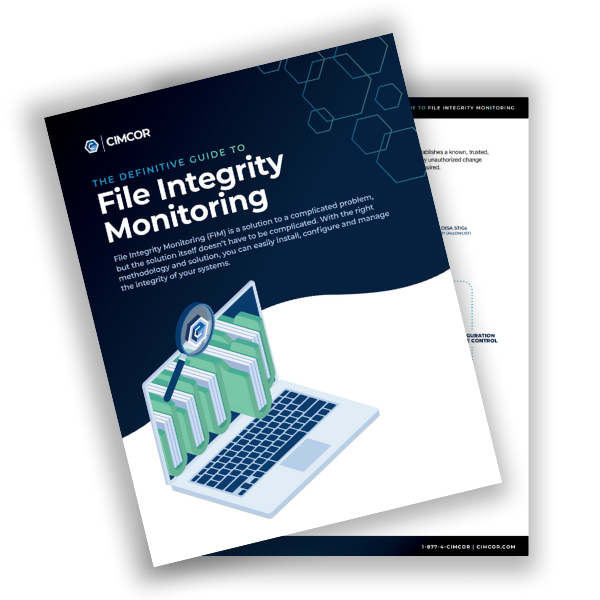
Want a deeper dive? Download the Definitive Guide to File Integrity Monitoring to see how FIM fits into a broader compliance strategy.
.png?width=80&height=80&name=Lauren%20Yacono%20-%20Circle%20Greyscale%20(1).png)
October 01, 2026
Try CimTrak for Free
Get your Free 14-day trial of CimTrak
Just let us know what capabilities you want to test out, and we'll set up a trial in your environment.